Grow Love This Earth Week

Grow Love This Earth Week
Go Green with AeroGarden! Join our community of gardeners who are growing at home during Earth Week!
Subscribe To Save
Save 30% when you subscribe now and stay stocked up with everything you need to grow fresh veggies, herbs, and flowers all year! Get what you need delivered automatically - right when you need it. Learn more.

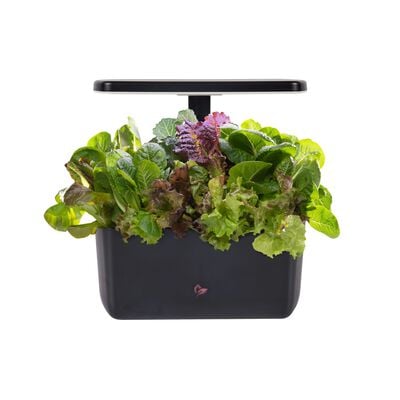

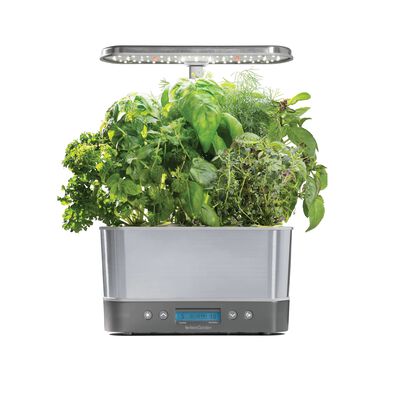
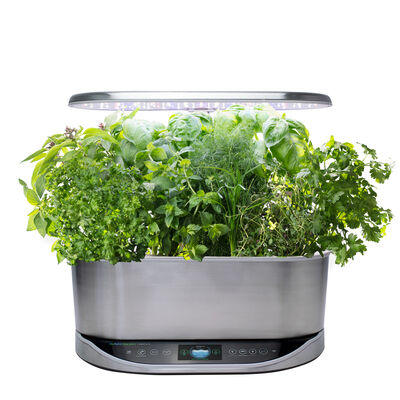

Grow up to 6 plants
The Harvest: our most popular countertop garden. It's easy to use, provides weekly harvests, and has a sleek tailored shape and a small footprint to fit in any kitchen.

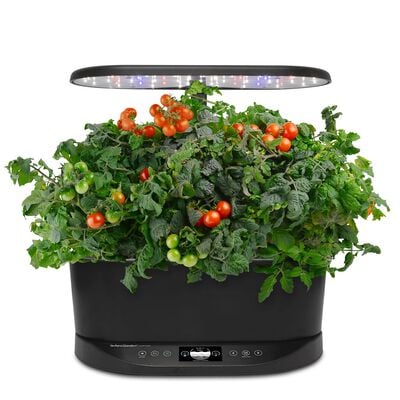
Grow up to 9 Plants
Smart. Attractive. Powerful. Upgraded with nearly 40 new features to make it even easier to grow the plants you love all year long, all while keeping up to 24" of grow height.

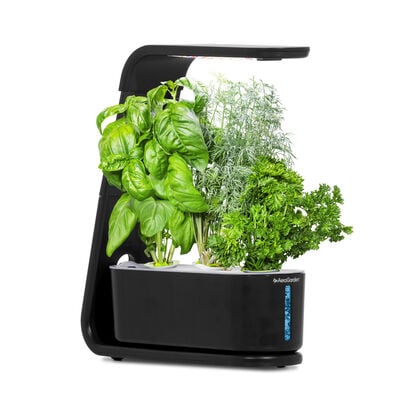
Grow up to 3 Plants
Tight on space? Grow anywhere indoors with the Sprout's compact design. Perfect for your office, apartment, or anywhere space is limited.

Grow up to 24 Plants!
The stackable, modular design of the Farm garden lets you connect multiple gardens for a living wall that can feed your entire family!


Grow Now. Pay Later.
Growing has never been easier — or more affordable! With Afterpay, get what you want now and pay in four interest-free installments, every 2 weeks.



Shop Seed Kits

Shop Seed Kits
Our best-selling seed kits are your garen's ticket to a deliciously fresh and flavorful homegrown adventure!